Turn On Your NHS App Notifications
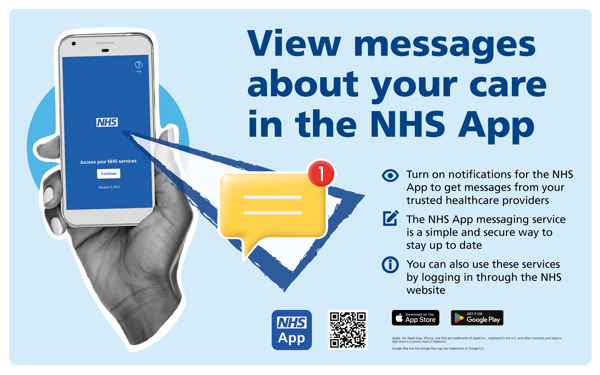
NHS App – In-app Messaging
Patients will now begin to receive messages from the practice via the NHS App Messaging Service.
This is a convenient and secure way for the surgery to send you messages about your care. We will only send you a message if we need to contact you (if we have an update about your care, for example).
We may continue to send you some information by SMS message or email while we transition to using the NHS App Messaging Service.
Stay connected with your health.
Turn on notifications in the NHS App to get quick updates about:
• Upcoming appointments
• Prescription status
• Messages from your GP practice
• Test results when they’re ready
It only takes a moment and helps you stay on top of your care.
If you do not want to receive messages from the NHS App Messaging Service, please contact the surgery to discuss your preferred contact method.
Get NHS App notifications when we send you a message:
To turn on notifications:
- Log in to the NHS App
- Go to ‘More’
- Select ‘Account’ and settings
- Select ‘Manage notifications’
- Use the toggle to turn notifications on or off
You will see a new notification from the NHS App the next time we send you a message. Your notifications will tell you that you have a new message from your GP.
You will still receive our messages if your notifications are turned off but you will not see a notification on your device when you have a new message.